# 代码来源:https://www.r2omics.cn/
# 加载R包,没有安装请先安装  install.packages("包名")
library(plot3D)

# 读取PCA数据文件
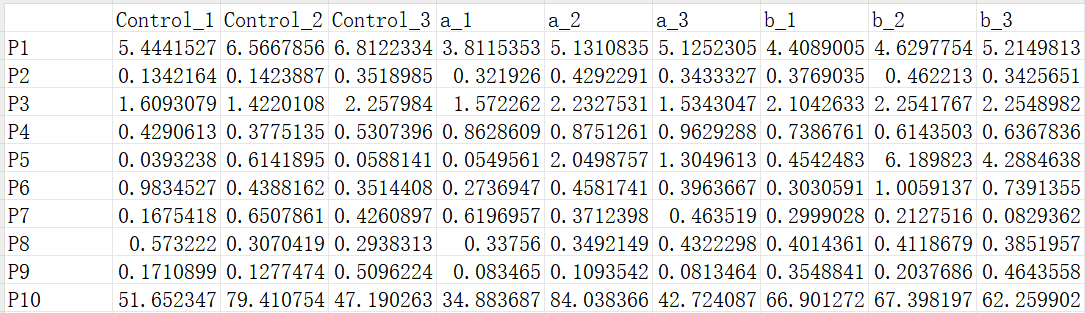
df = read.delim("https://www.r2omics.cn/res/demodata/PCA/data.txt",# 这里读取了网络上的demo数据,将此处换成你自己电脑里的文件
                header = T,    # 指定第一行是列名
                row.names = 1  # 指定第一列是行名
)
df=t(df) # 对数据进行转置,如果想对基因分组则不用转置

# 读取样本分组数据文件
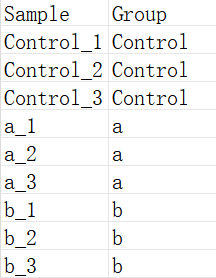
dfGroup = read.delim("https://www.r2omics.cn/res/demodata/PCA/sample.class.txt",
                     header = T,
                     row.names = 1
)

# PCA计算
pca_result <- prcomp(df,
                     scale=T  # 一个逻辑值,指示在进行分析之前是否应该将变量缩放到具有单位方差
)
pca_result$x<-data.frame(pca_result$x)

# 设置颜色,有几个分组就写几个颜色
colors <- c("#ff007a","#ffc700","#1dd66d")
myColors <- colors[as.numeric(as.factor(dfGroup[,1]))]


# 计算PC值,用来替换坐标轴上的标签
pVar <- pca_result$sdev^2/sum(pca_result$sdev^2)
pVar = round(pVar,digits = 3)
xName = paste0("PC1 (",as.character(pVar[1] * 100 ),"%)")
yName = paste0("PC2 (",as.character(pVar[2] * 100 ),"%)")
zName = paste0("PC3 (",as.character(pVar[3] * 100 ),"%)")

# 绘图
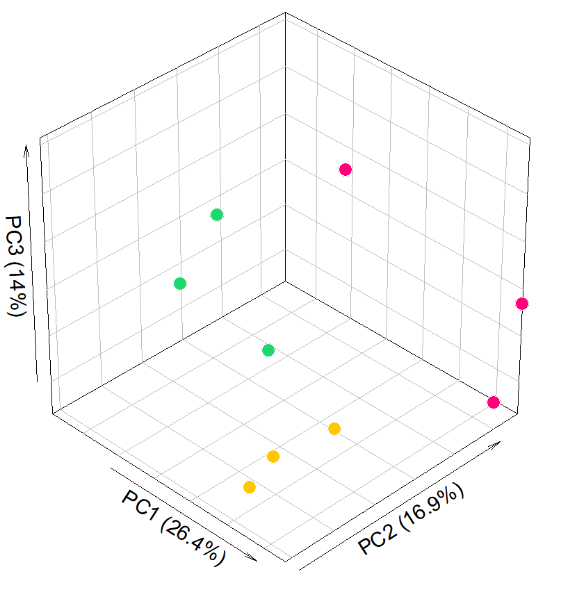
with(data.frame(pca_result$x[,1:3]), plot3D::scatter3D(
  x = PC1,       # 根据数据里的列名,设置X轴映射
  y = PC2,
  z = PC3,
  pch = 21,      # 设置散点的形状为实心圆
  cex = 1.5,     # 设置散点的大小
  col=NA,
  bg=myColors,   # 设置散点的背景色
  xlab = xName,  # 设置 x 轴标签
  ylab = yName,
  zlab = zName,
  ticktype = "simple",  # 设置刻度线类型,还有detailed选项
  bty = "b2",    # 设置主题 b
  box = T,       # 显示坐标轴盒子
  theta = 45,    # 设置旋转角度
  phi = 35,      # 设置视角角度
  d=10,
  colkey = F     # 不显示颜色键
))

# 标签
legend("bottom",     # 指定图例位置在底部
       title = "",   # 设置图例标题为空
       legend = unique(dfGroup$Group),  # 使用数据框 dfGroup 中的组别进行标记
       pch = 21,     # 设置图例标记的形状为实心圆
       pt.cex = 1,   # 设置图例标记的大小
       cex = 0.8,    # 设置图例文本的大小
       pt.bg = colors,  # 设置图例标记的背景色
       bg = "white",  # 设置图例的背景色
       bty = "n",     # 去除图例的边框
       horiz = TRUE   # 设置图例水平显示
)

# 添加散点的文字标注
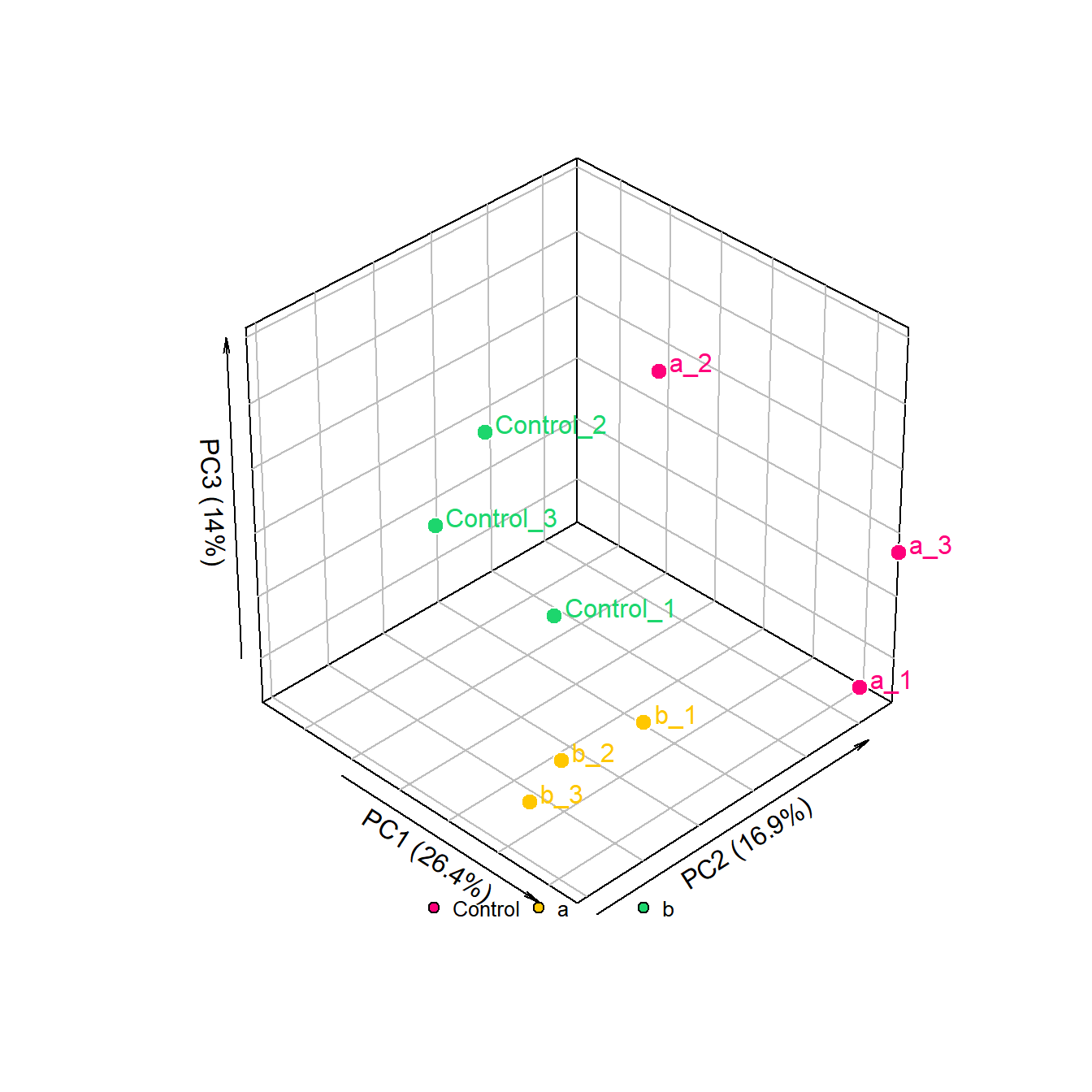
with(data.frame(pca_result$x[,1:3])+1,   # 在原来的数据上+1设置一个偏移量
  plot3D::text3D(
  x = PC1,       # 根据数据里的列名,设置X轴映射
  y = PC2,
  z = PC3,
  colkey = FALSE,
  add = TRUE,
  labels = row.names(pca_result$x),
  col = myColors))